

7.1.2. Interactive Input: SDF
In this tutorial, you carry out an interactive ADMET property estimation on a small database of demonstration compounds that are in the ISIS/Base SDF format. The input file for this tutorial contains generated 3D structures of these demonstration compounds.
-
On the ADMET Predictor main menu, click FILE >> Open, find Demo3D.sdf in the ADMET Predictor application directory, and click Open.
-
Accept the default identifier, \<Use First Line>, and click OK.
-
A warning message pops up:
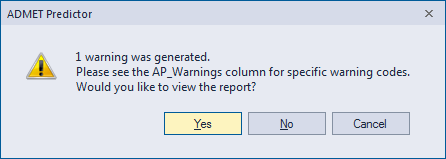
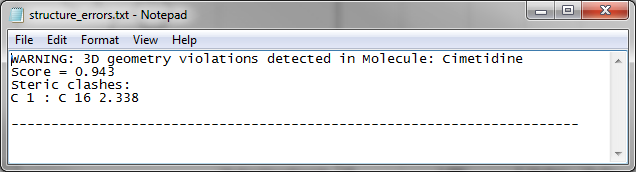
Click Yes to look at the log file.
-
Select the Calculate ADMET Properties from the DATA menu.
The Calculate ADMET properties dialog opens. The default run options for carrying out ADMET property estimations are displayed in the dialog.
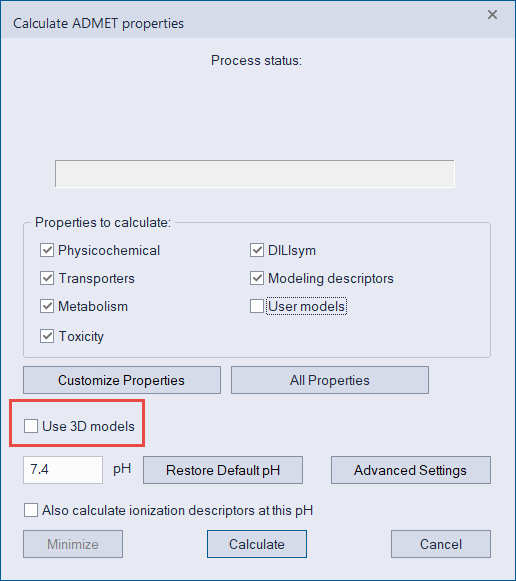
ADMET Predictor detects 3D structures and the Use 3D models checkbox is now available to be turned on. Please check Use 3D models checkbox. Not all the models are built for 3D, but those that are, will be used instead of 2D models.
-
Click Calculate to accept the default run options.
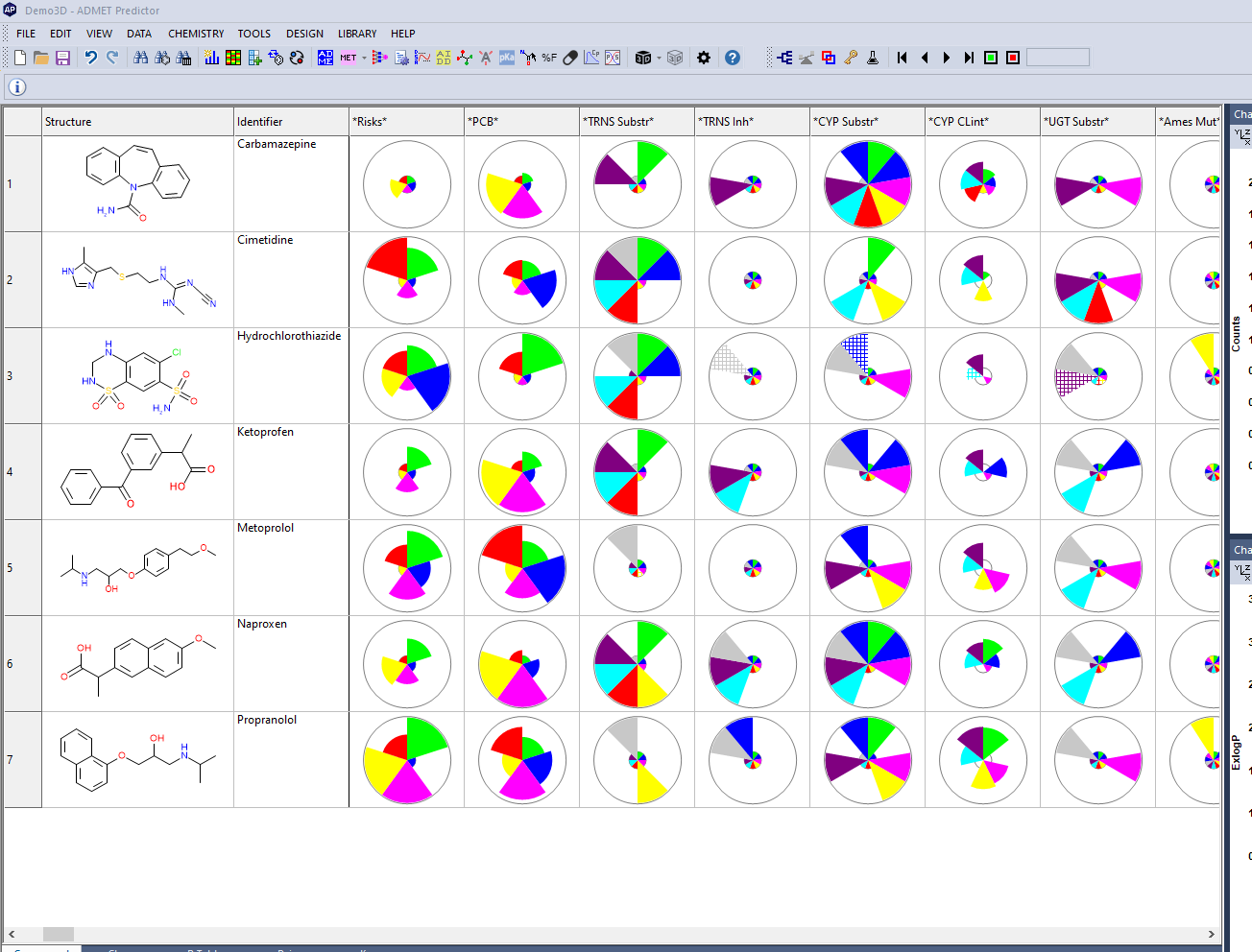
The results of the ADMET property estimations for the Demo3D.sdf file are displayed in the spreadsheet.
NOTE:
Before using ADMET Predictor to analyze your own 3D.sdf data, Simulations Plus recommends that you use a text editor to open the Demo3D.sdf file and examine its format. (Remember, all demonstration compounds are located in the ADMET Predictor installation directory.) The majority of problems that users encounter when opening their ISIS-generated input files is the result of these files being incorrectly exported from ISIS/Base. Also, SDF-formatted files that are generated by third party applications frequently violate the formatting guidelines issued by Biovia.