

7.1.3. Interactive Input: MOL
Files that are in the .MOL format provide a quick and convenient method for directly transferring 2D structures from molecule drawing programs such as ISIS/Draw or ChemDraw into ADMET Predictor. In this tutorial, the input is an entire group of files in the ISIS/Draw .MOL format, with each file containing a single molecule.
-
On the ADMET Predictor main menu, click File >> Open. The Open dialog will open.
-
Browse to the folder C:\Users\\<user_name>\AppData\Local\SimulationsPlus, Inc\ADMET_Predictor13.0. In file type filter pulldown select MOL.
-
Press and hold the Ctrl key, and then select Benzene.mol, Caffeine.mol, Carbamazepine.mol, Cetirizine.mol, Enalapril.mol, Phenol.mol, and Piroxicam.mol, and then click Open.
-
Accept the default identifier, \<Use First Line>, and click OK.
The selected input files are loaded into one spreadsheet. Please note that MOL format provides for compound name and structure only. You can use a text editor to manually assemble multiple .MOL files into one SDF file, and then enter any supplementary data directly into the SDF File.
-
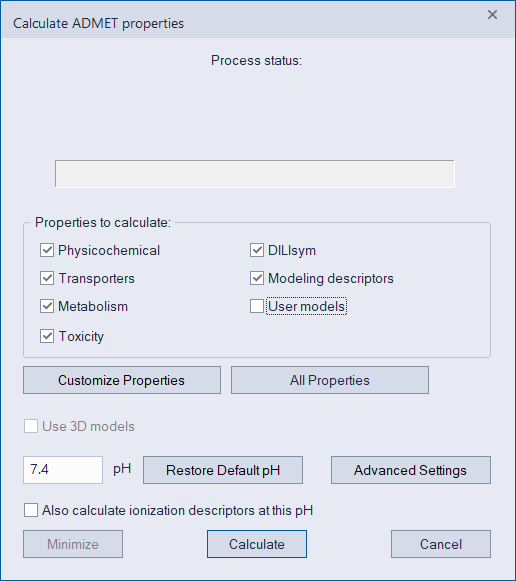
Select Calculate ADMET Properties from the DATA menu.
The Calculate ADMET properties dialog opens. The default run options for carrying out ADMET property estimations are displayed in the dialog.
-
Click Calculate to accept the default run options.
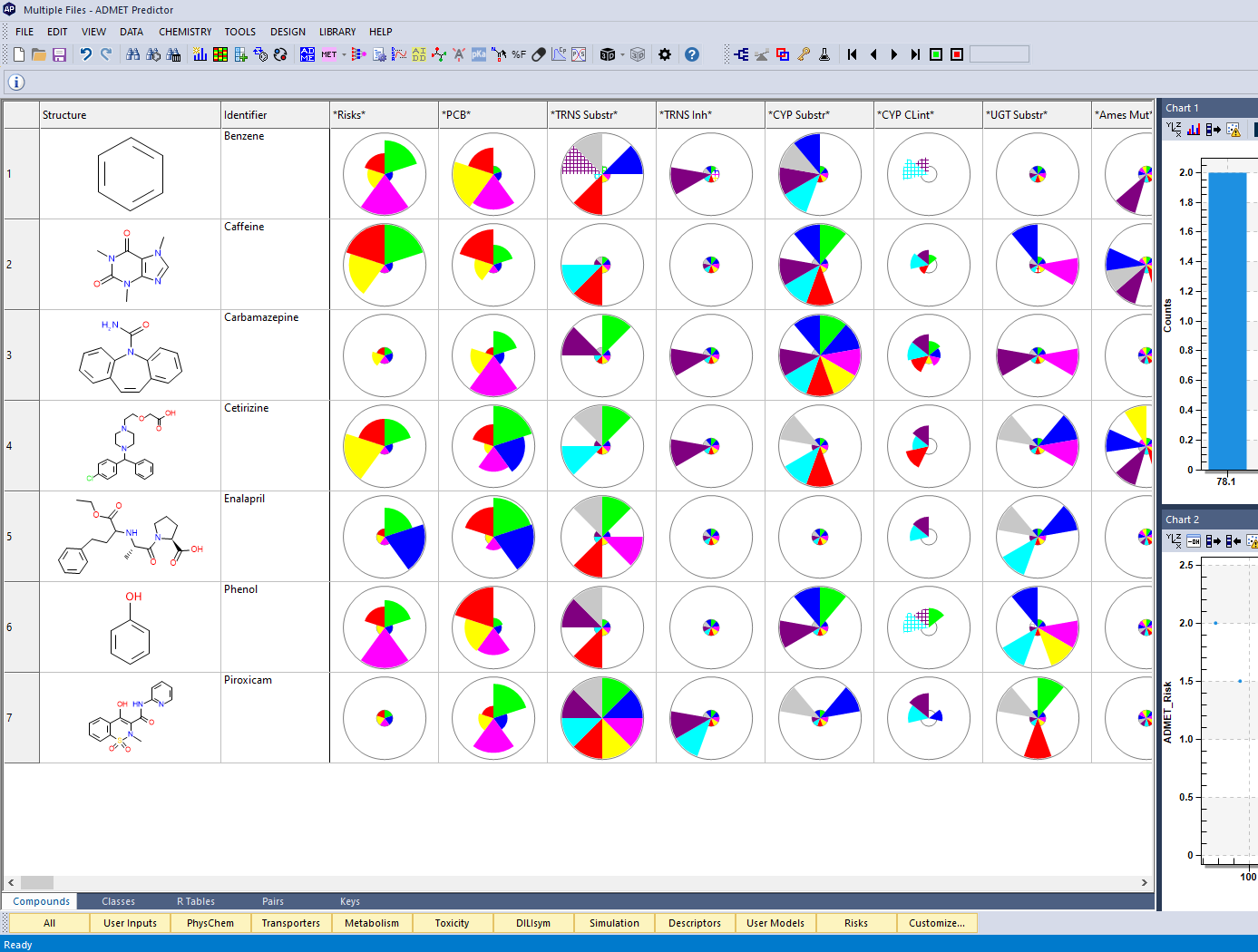
The results of the ADMET property estimations for the demonstration .MOL files are displayed in the spreadsheet.
NOTES:
1. Before using ADMET Predictor to analyze your own MOL data, Simulations Plus recommends that you use a text editor to open the Benzene.mol file and examine its format. (Remember, all demonstration compounds are located in the ADMET Predictor \<AppData> folder.) Note how the structure of the ISIS/Draw .MOL file is similar the structure of an ISIS/Base .SDF file, but that the file does not contain supplementary data other than structure and because the file contains a single molecule, it does not use the $$$$ separator.
2. MOL files are a quick and convenient way of direct transfer of 2D structures from molecule drawing programs, such as ISIS/Draw, into ADMET Predictor. The 3D MOL structure is also available. Please check whether your preferred molecular drawing program can export structures in the MOL format.