

Building Models
-
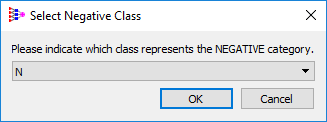
A Select Negative Class dialog box opens, prompting you to indicate which class represents the Negative category. The default value displayed in the dialog box is "N".
-
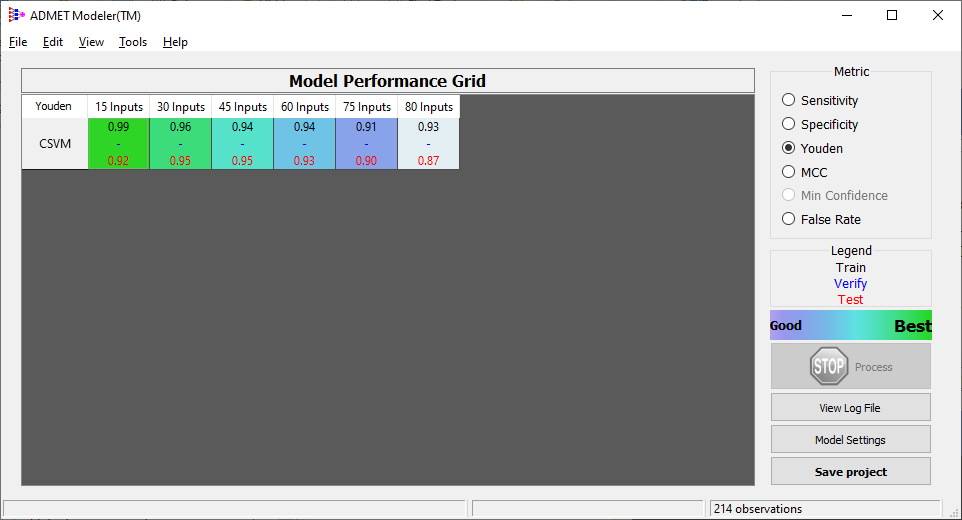
Accept the default and click OK to close the dialog box. The training process is started and the Model Performance Grid opens.
-
The cell that indicates the best ensemble as determined automatically by ADMET Modeler is now highlighted in green in the model matrix on the Model Performance grid. In this tutorial it is a model with 15 inputs.
-
Continue to the next section "Model Performance".