

-
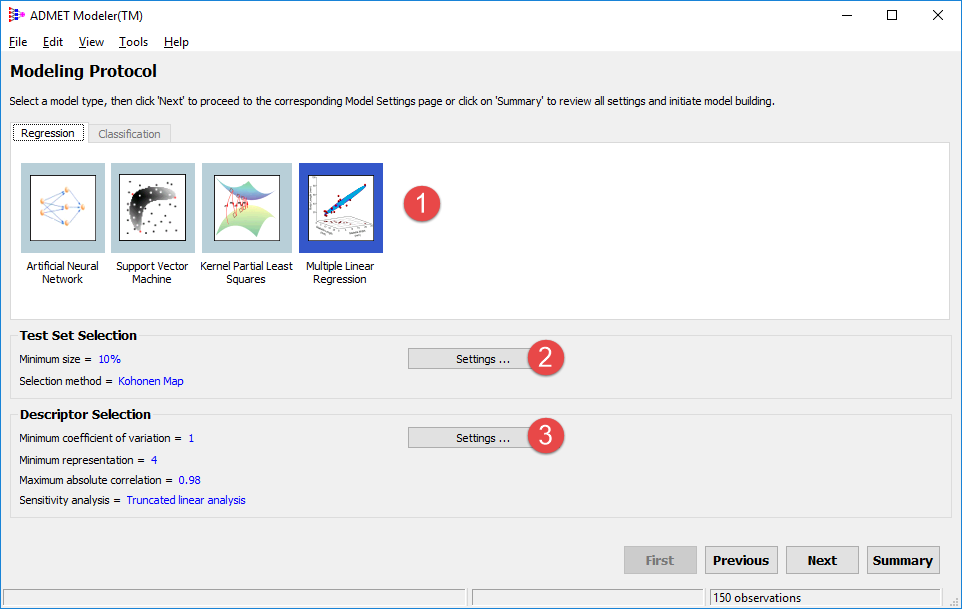
In the second window, click on Multiple Linear Regression in the main area (1).
NOTE:
For general model building purposes, some of the following steps are not mandatory. You are carrying them out solely for the purpose of familiarizing yourself with the Modeling Protocol settings.
-
Click on Settings ... in Test Set Selection area (2) and keep the defaults. Click OK.
-
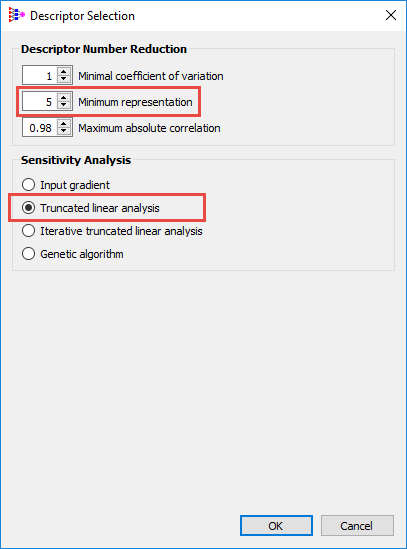
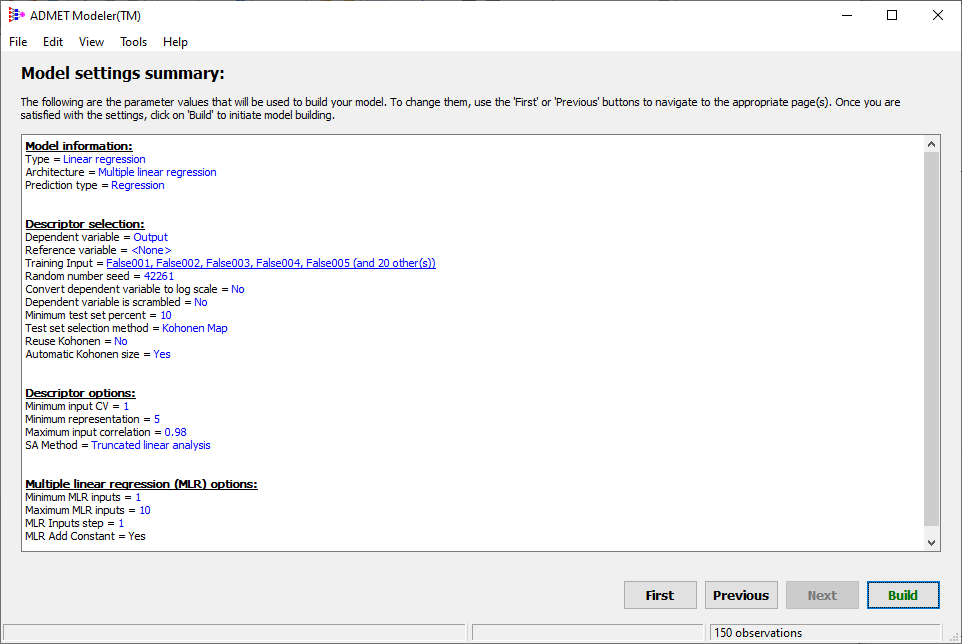
Click on Settings... in Descriptor Selection area (3) and change Minimum representation to 5. Make sure Truncated linear analysis is selected for Sensitivity Analysis. Then click OK.
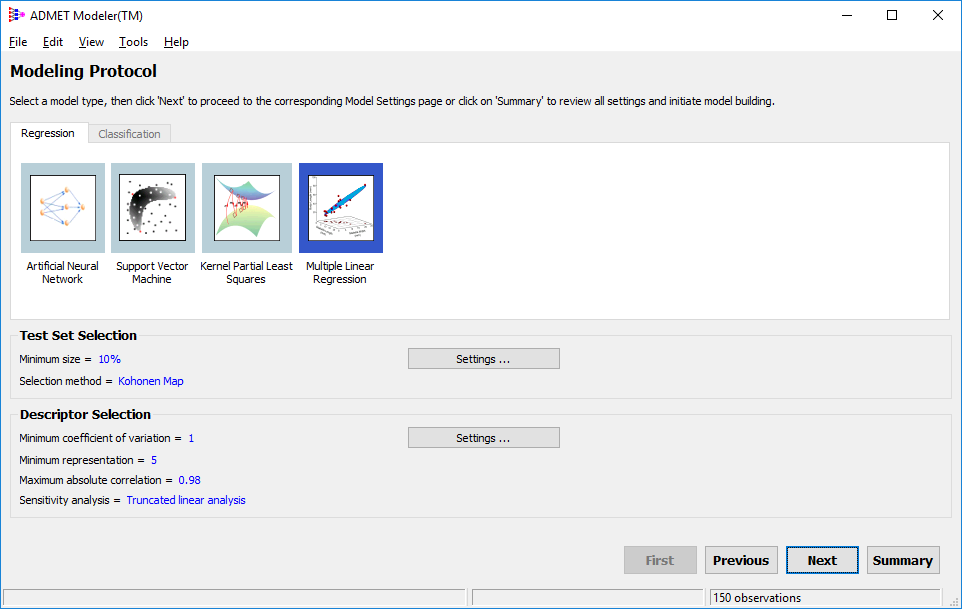
You should see the changes in the main window:
-
Accept the settings and click on Next.
-
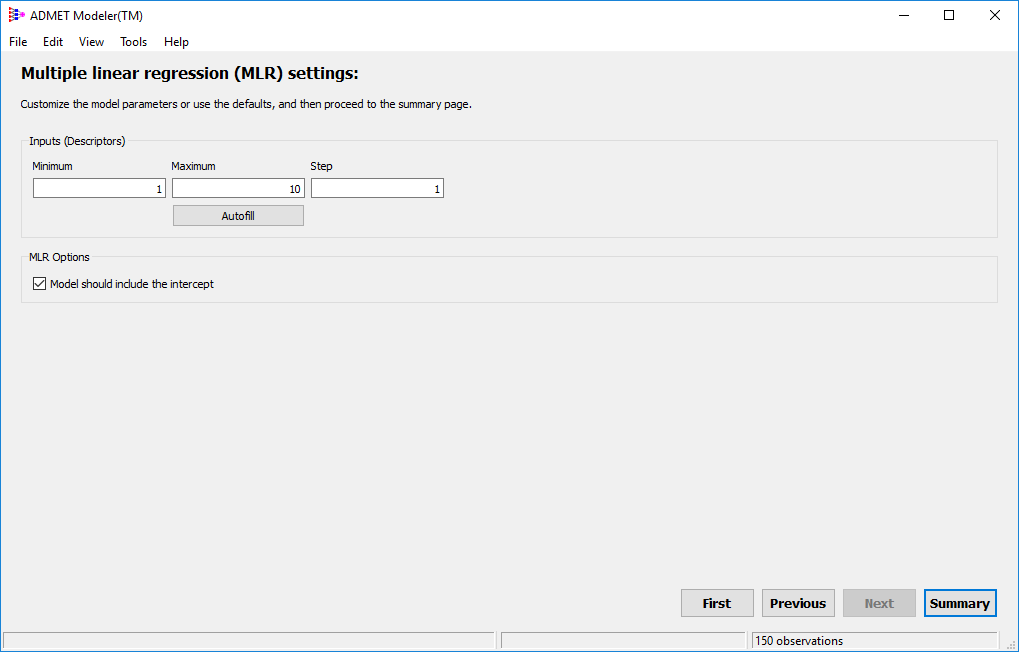
On the next page, in the Inputs (Descriptors) area, enter 1, 10 and 1, for the Minimum, Maximum, and Step, respectively. Then click on Summary.
-
The next window contains the summary of all parameters for building MLR models in this tutorial.
-
Click on Build. Provide a name "Output_01" for the project in the pop-up window and press OK.