

-
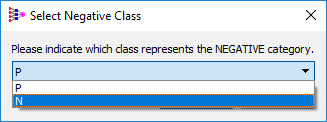
A Select Negative Class dialog box opens, prompting you to indicate which class represents the NEGATIVE category. ADMET Predictor is designed to recognize the NEGATIVE CLASSES using pre-recognized prefixes such as "NO", "NEG", "LOW", "INACTIVE". However, if the dataset doesn't contain any of these pre-defined prefixes, then the majority class is taken as the suggested negative. In this example, the "P" class is a majority and hence is suggested as negative class. Change it to "N" and click OK.
-
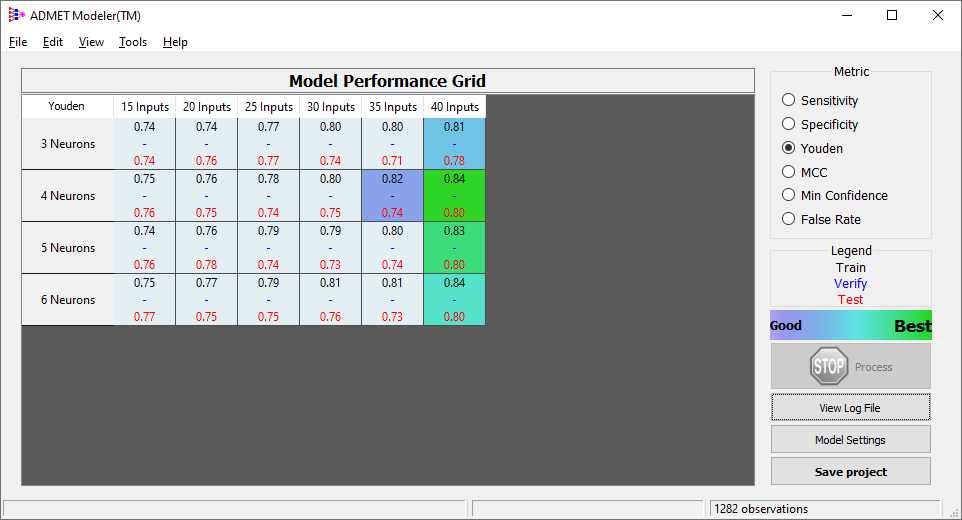
Click OK to close the dialog box. The training process begins and the Model Performance Grid appears.
-
The cells that indicate the top 5 ensembles as determined automatically by ADMET Modeler are now highlighted in a gradient of color in the model matrix on the Model Performance Grid.
-
Continue to the next section "Model performance with confidence analysis".