

7.8.3. Selecting a Seed Molecule
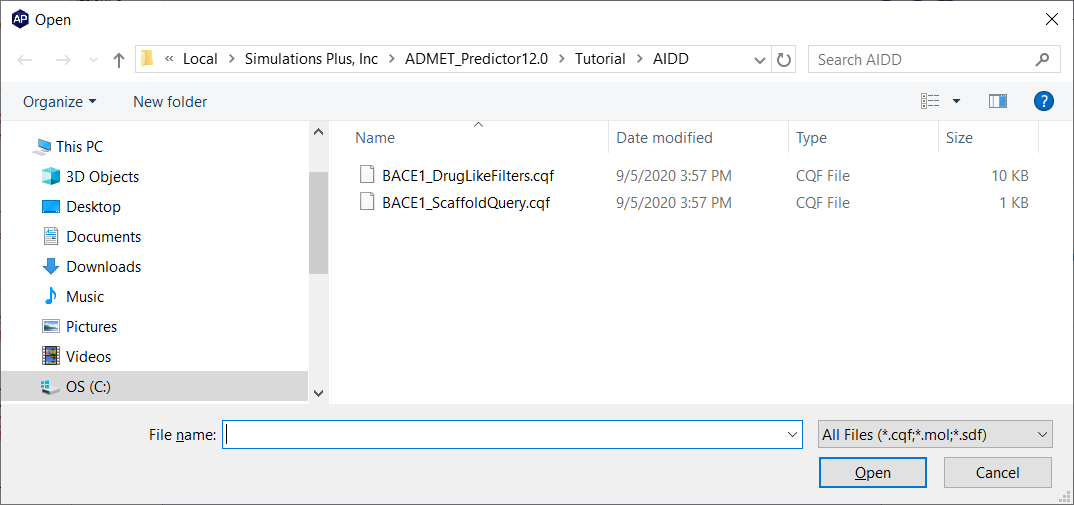
Use Edit>>Query By Structure/Property… to open the Search using a query dialog window. Click on Load From File, browse to the Tutorial/AIDD folder and select BACE1_ScaffoldQuery.cqf. Click Open to load this query into the dialog.
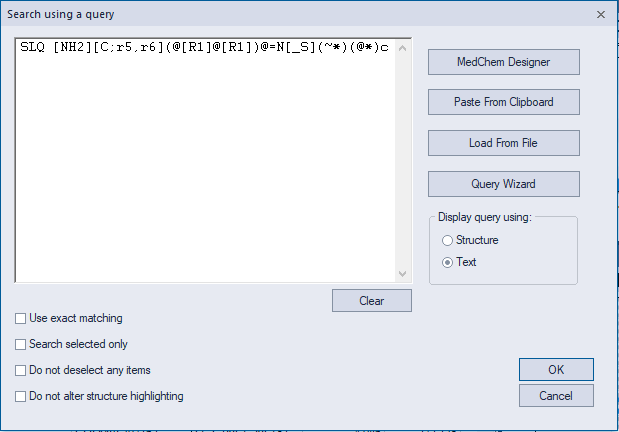
The SMARTS pattern that appears in the dialog is based on the ligand:protein interaction scheme shown below, which is taken from Chart 1 in Rombouts et al.
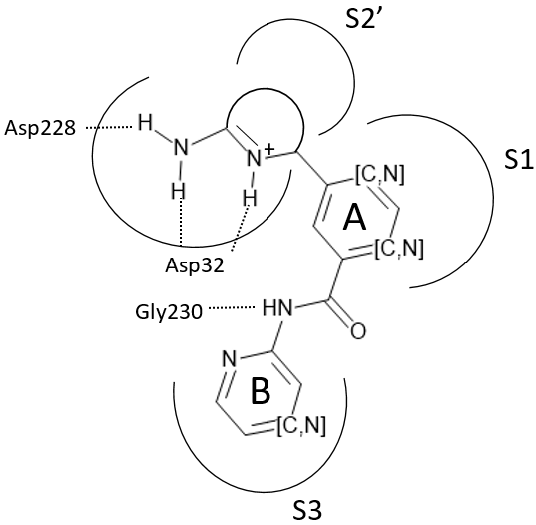
The query specifies a pyridine or pyrazine ring (B) linked via an amido group to an aromatic ring (A) which is itself linked at the meta position to another ring that contains an amidine group that is part of a ring. The query used here allows for a limited number of small substituents on the rings; larger substituents are blocked because they risk creating steric clash(es) with the protein residues lining the S1, S2’ and S3 pockets of the BACE1 binding site. The query allows the ring containing the amidine to be either 5 or 6 membered.
Clicking OK in the query dialog will select the 17 compounds in the data set that satisfy this scaffold query. Use View>>Hide Unselected to hide all the molecules that do not satisfy the query, then scroll down to the bottom of the spreadsheet and select (2R,3R)-7c, the molecule in row 16.
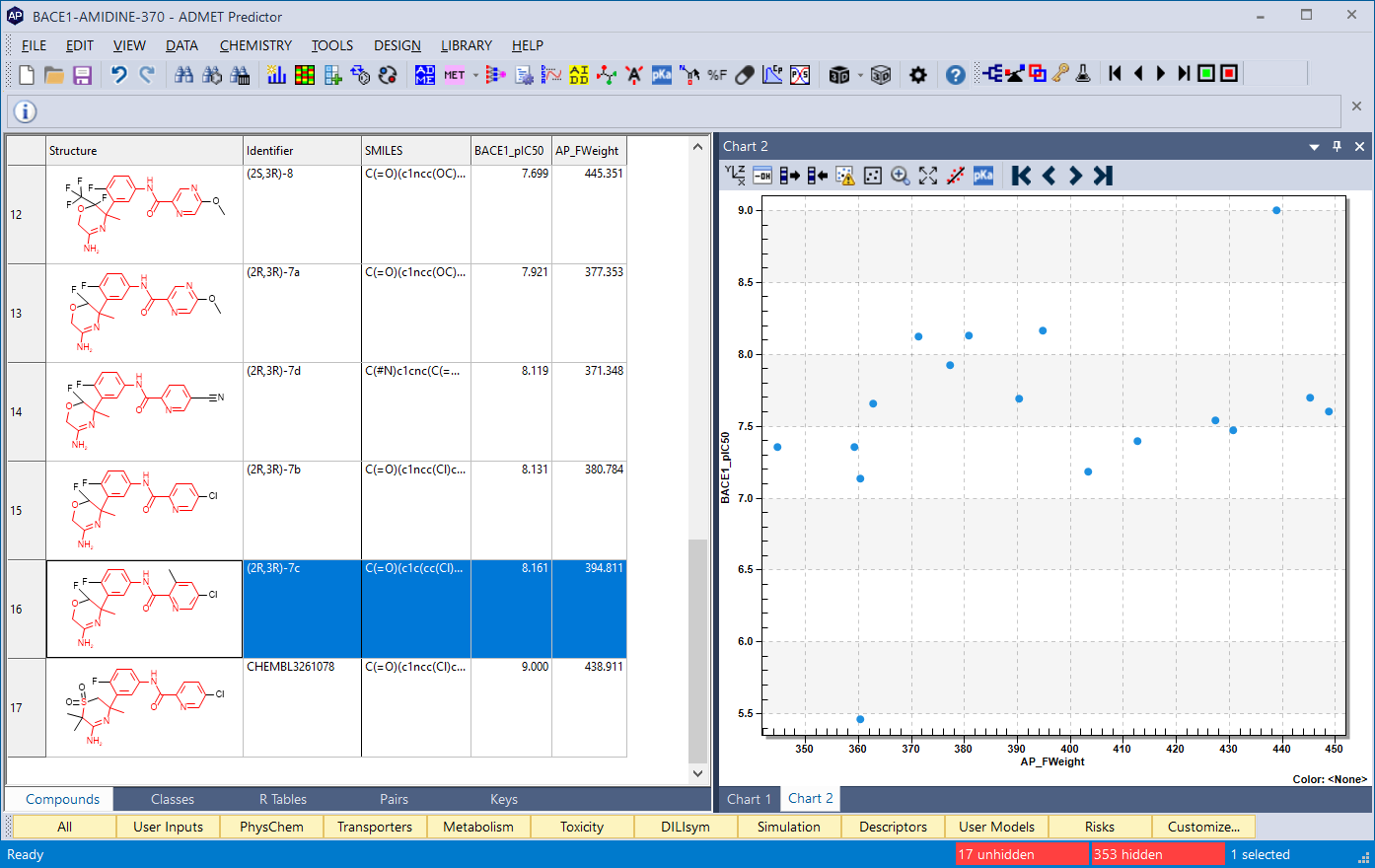
With an IC50 of 6.9 nM, this was the most active analog synthesized by the Rombouts group. However, the compounds reported in their 2015 article were not able to achieve the sub-nanomolar activity seen in some other compounds. Starting with this compound as the seed and using AIDD to explore variations on it, you will be able to improve the activity while maintaining good ADMET and BBB properties as well as good bioavailability and reasonably low synthetic difficulty.