

Loading the Data
We downloaded "hits" from a simple ChEMBL search in which the Target was set to BACE1. The results are stored in SMI format in the Tutorial\BACE folder in your ADMET Predictor application data directory. You start the tutorial by loading the data.
-
Use FILE>>Open or the keyboard shortcut Ctrl+O to open the file.
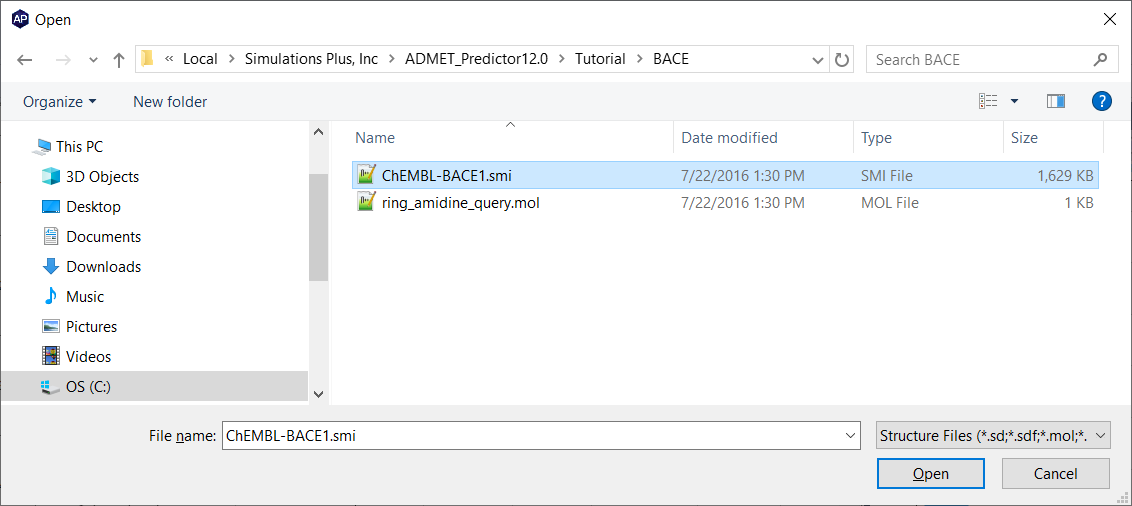
Select ChEMBL_BACE1.smi and click Open.
-
ADMET Predictor will pop up the SMILES field selection window shown below:
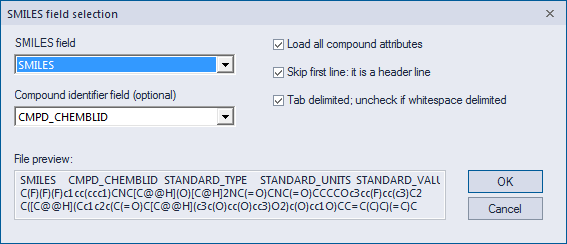
Click OK to accept the default settings.
-
After reading in all the structures, a window will appears stating that 3,186 warnings were generated. Click Yes and examine file.
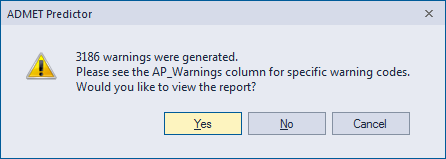
ALMOST all warnings are from duplicate molecule names. Close the report and note that the notice in the lower right hand corner of the ADMET Predictor GUI indicates that 7,700 records have been read in.