

-
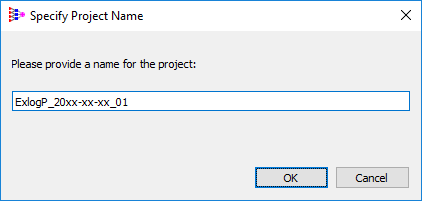
Before starting the training process, ADMET Modeler pops up a window asking for the project name. The default project name suggested is constructed from the specified dependent variable, the date, and the number of builds already initiated within the modeler session. Click OK to accept the default.
-
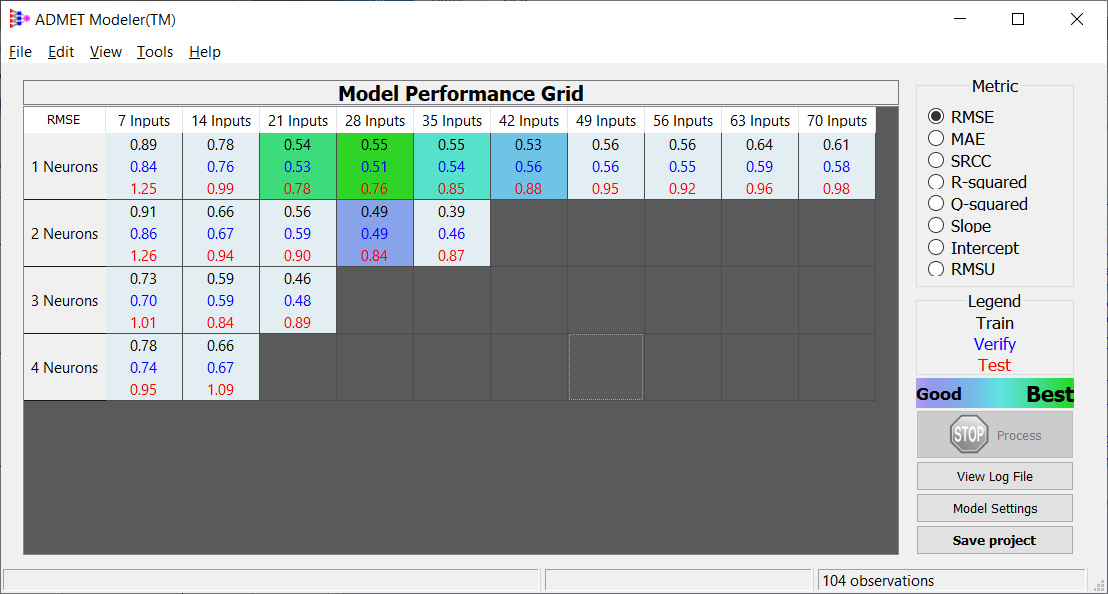
As the training process is carried out, messages related to this process are displayed in the status bar. You can click on
-
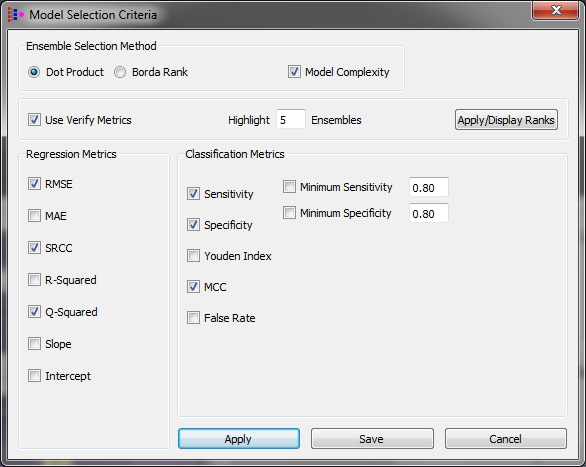
To change the criteria of the best model selection use Tools >> Best Ensemble Settings:
-
To see any model performance, go to the next topic: Model Performance.