Loading Molecular Structures and Calculating Properties
If ADMET Modeler is already open, you will have to close it before you can run this tutorial. Be sure to save your work first if necessary.
-
Launch ADMET Predictor and select FILE >> Open from the main menu.
-
Navigate to the Tutorial\Example 1 folder in your ADMET Predictor applications directory select Demo2D.qmd file and click Open.
-
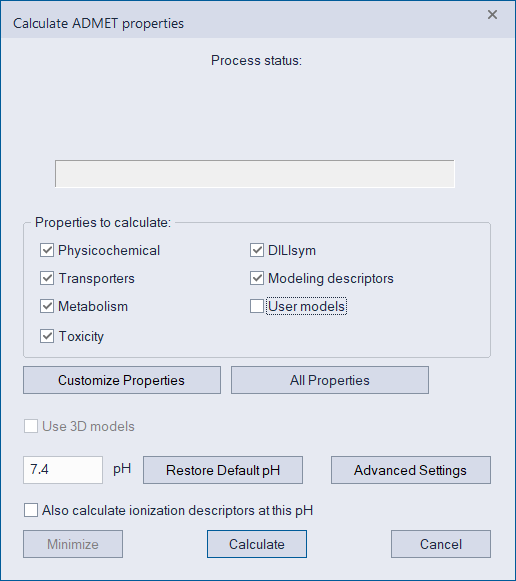
Click on the white-on-blue ADME icon in the toolbar (or use the main menu: DATA >> Calculate ADMET Properties...), accept all defaults and click Calculate.
-
Select