-
Open the Demo2D.smi file and generate the ADMET Predictor predictions as described in the tutorial “Interactive Input: SMILES”.
-
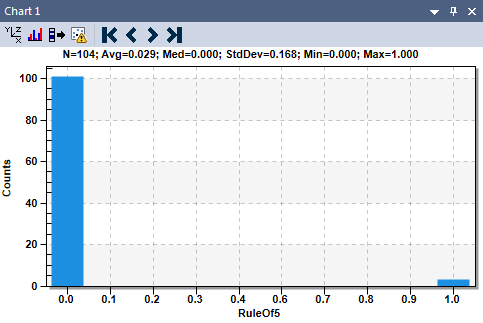
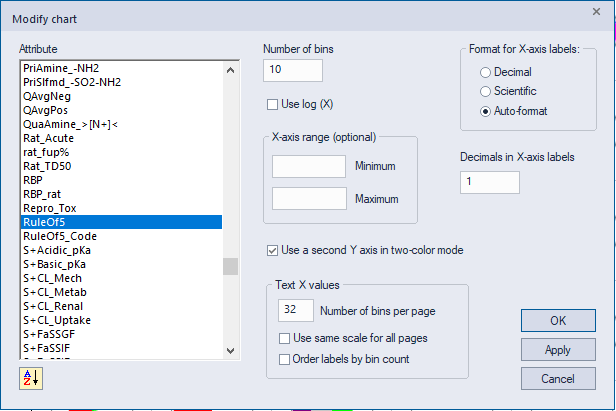
On the right hand side, upper corner pane (the histogram), click on XYZ button (first from the left) and select RuleOf5 as dependent variable.

-
Note the category counts after the histogram is generated.